2027 Printable Planner Pages: 15 Calendars, Goal Trackers and Checklists
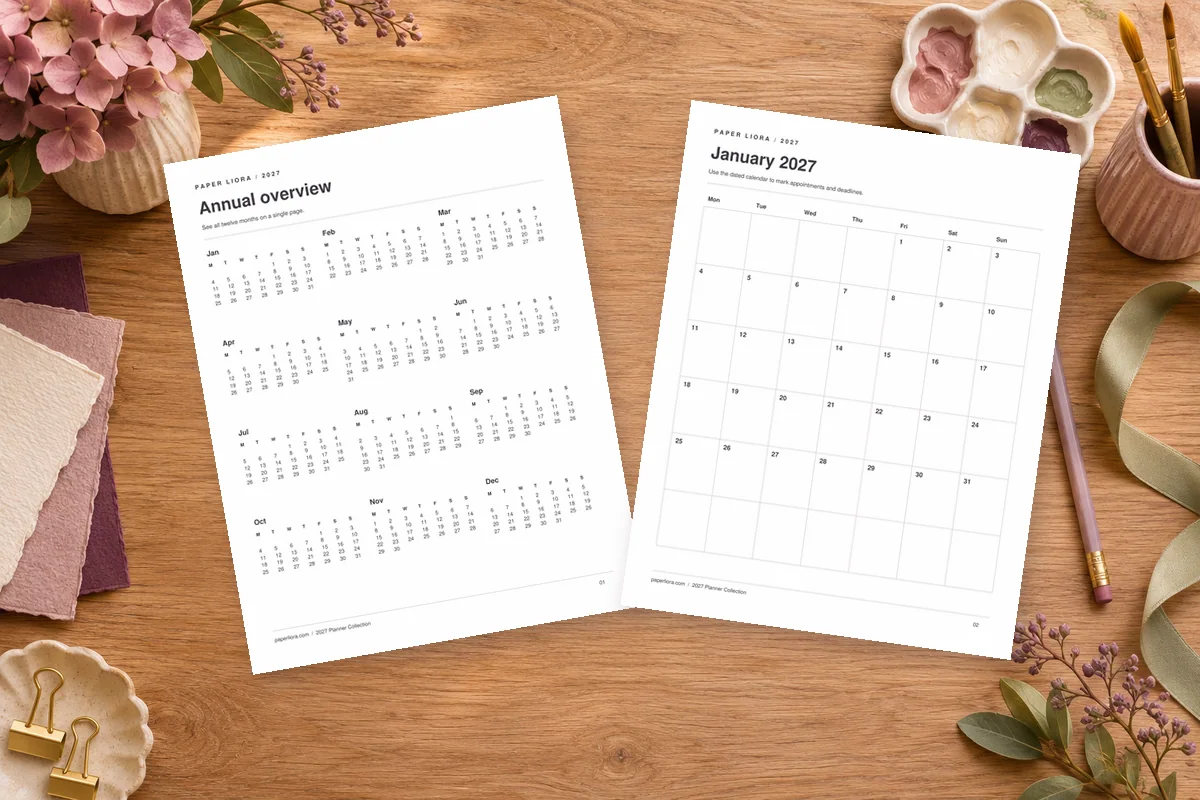
These 2027 printable planner pages give you a dated calendar for every month and reusable worksheets for the rest of your plans. The free pack includes 15 layout types, from a year-at-a-glance calendar to a weekly plan, habit grid, meal planner, reading log, and monthly review. You can print only the sheets you need. Start with a calendar and weekly plan, then add the worksheets that solve a specific problem in your week.
Download the 2027 printable planner pack
Download 2027 planner (US Letter) · Download 2027 planner (A4)
Each file contains 26 pages. Page 1 is the year at a glance. Pages 2–13 are January through December 2027. Pages 14–26 are the undated worksheets. Both versions have the same layouts and date placement. Calendars and weekly pages begin on Monday. Add the holidays or school dates that are relevant where you live.
15 ways to use the planner pages
1. Annual overview, page 1
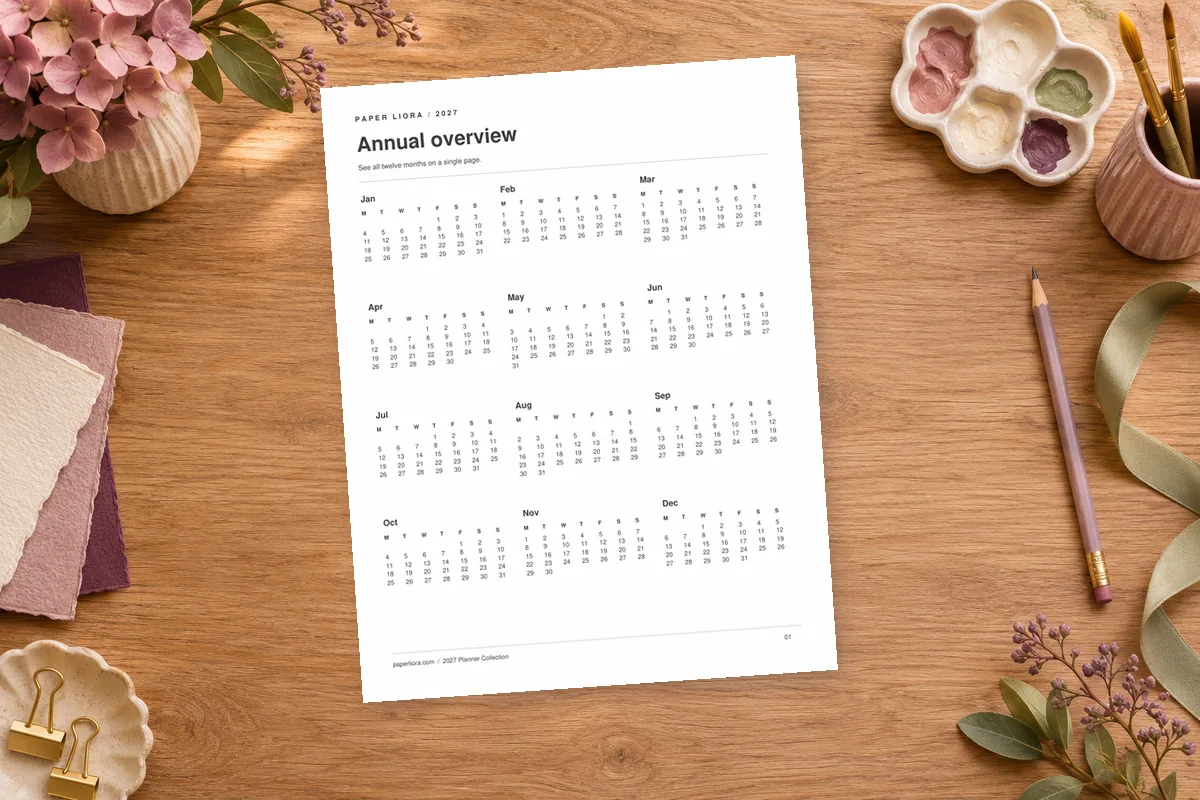
Use the first sheet to compare the year’s months at a glance. Mark dates you know will matter far in advance, such as a school term, travel weekend, or application deadline. Circle important dates with a fine pen, since the date cells are small. Keep the details on the monthly calendar or appointment list and write a tiny mark beside each overview date. Recheck the year page at the start of each quarter so a deadline several months away stays visible.
2. Dated monthly calendars, pages 2–13
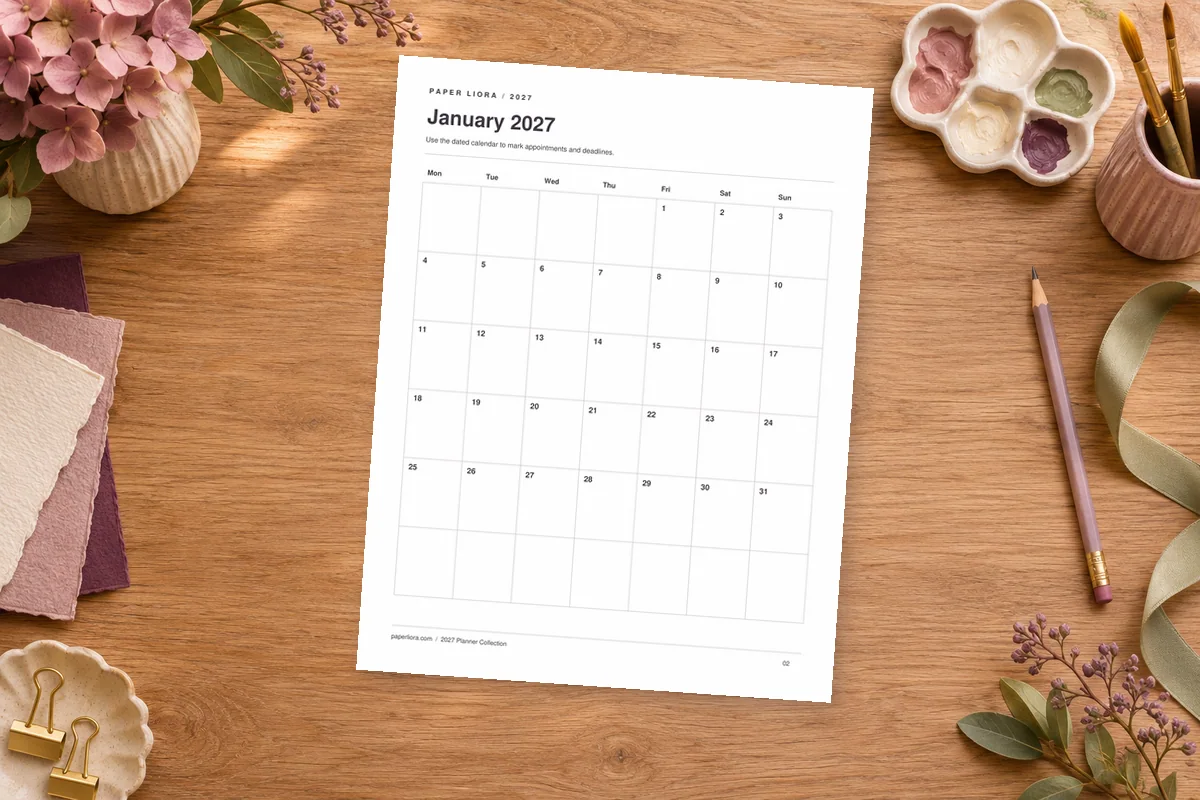
Each month gets a Monday-start grid with space beside its dates. Put appointments and deadlines in first. Use an initial or short phrase if the body of an appointment is larger than the square. Shade the blank boxes at the start or end with pencil if you tend to write in the wrong week. Tape an old calendar onto the inside of a folder or keep the current month near your weekly page. Knowing exactly where you will record a new date is more useful than copying it into three places.
3. Monthly dashboard, page 14
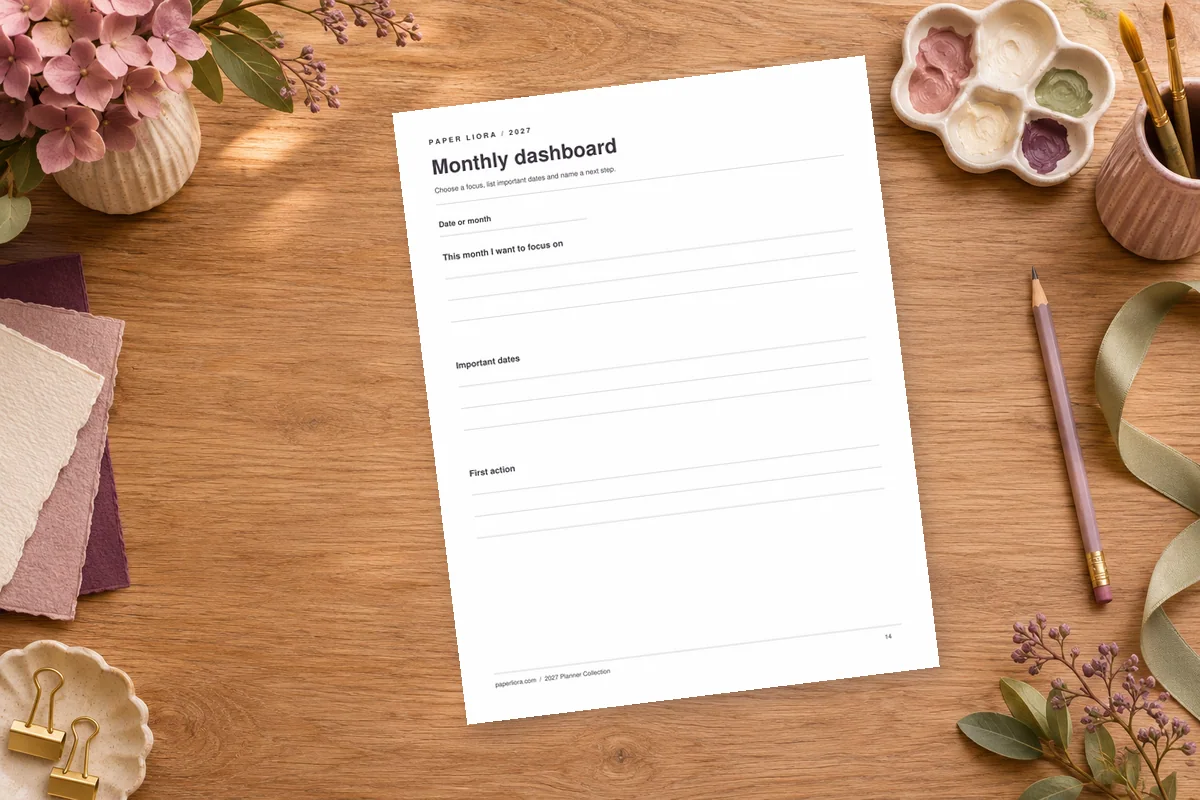
Use the dashboard at the beginning of a month to name a focus, capture a few dates, and choose one first action. Write something you can begin this week. “Put the tax documents in one folder” is easier to act on than “sort finances.” Reserve the Important Dates area for changes you want to notice before they land, like a term break or a visitor arriving. Review the sheet after two weeks. If your main concern changed, write the new focus beneath the original and use the rest of the page for the revised plan.
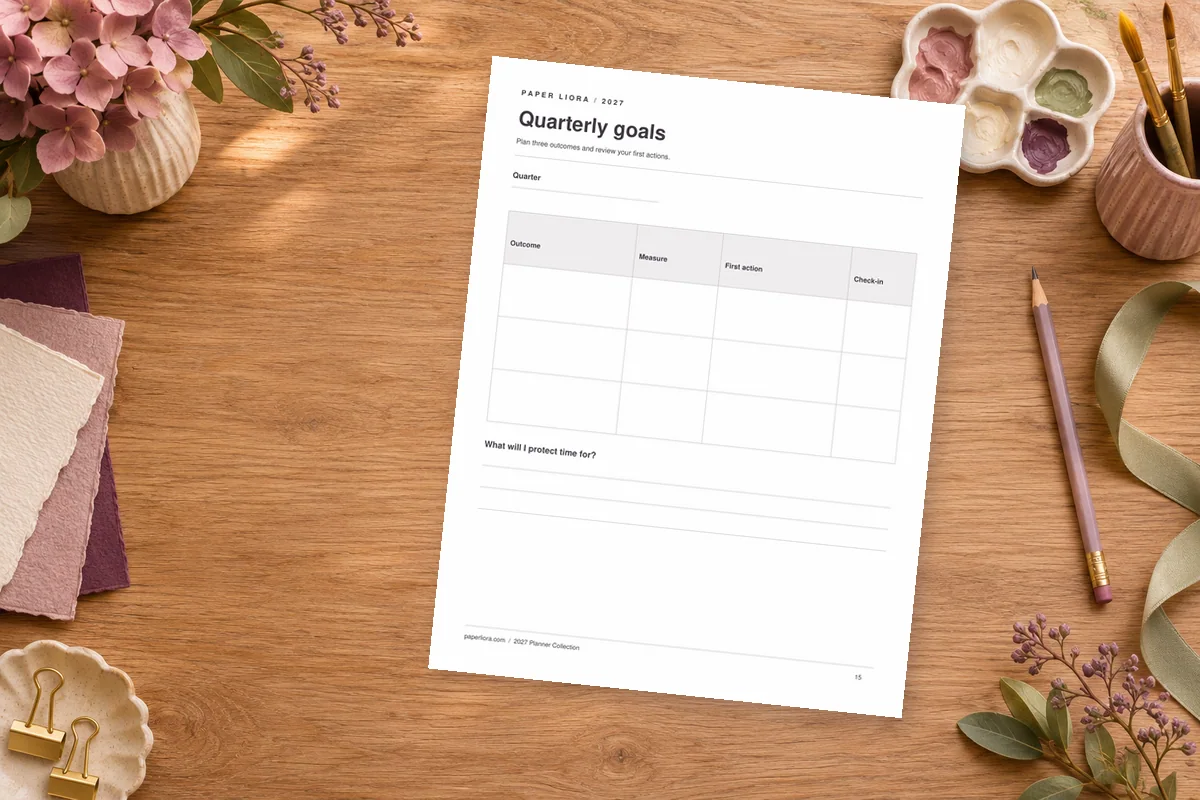
4. Quarterly goals, page 15
Choose three outcomes at most. Enter a measure or observable result beside each one and name a first action. If your goal is to assemble an album, a useful measure could be “pick 20 photos by the end of the month.” The first action might simply be to make a photo folder. Use the check-in column to write a day to look at the goal again. Set aside the goal page while you plan tomorrow and use the weekly page to schedule individual tasks.
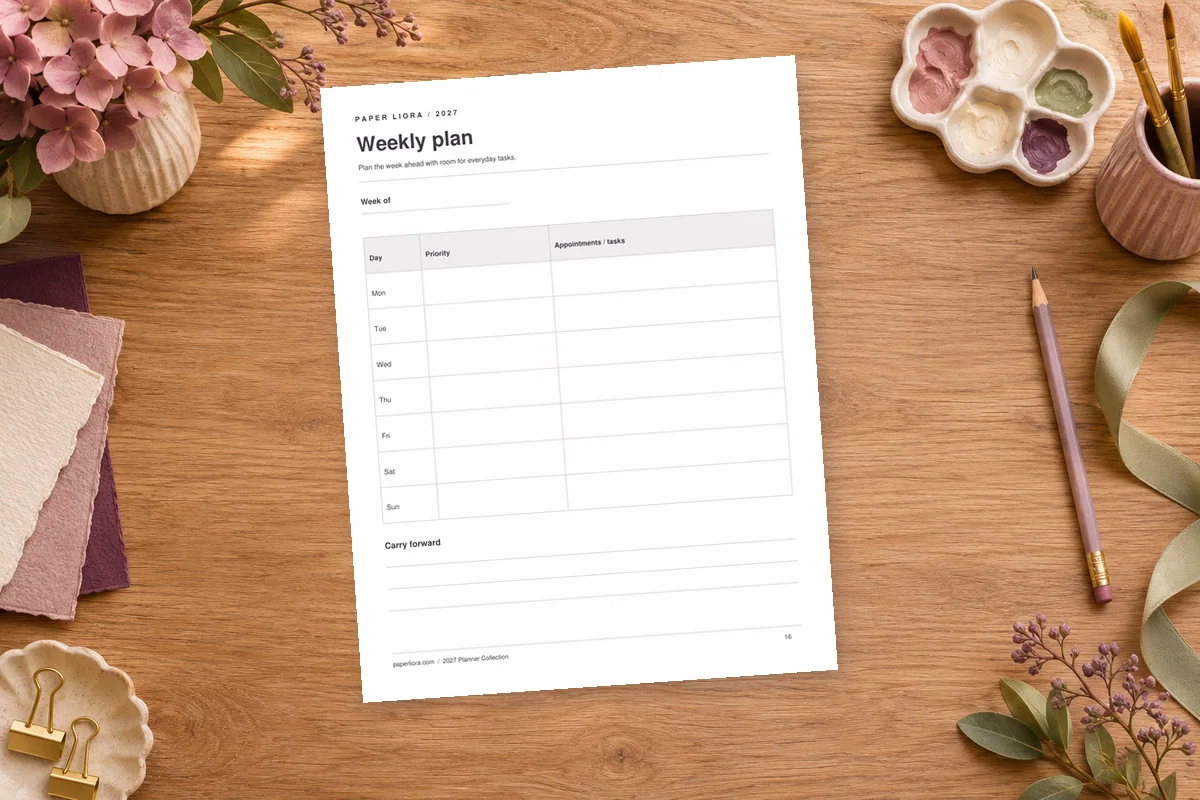
5. Weekly plan, page 16
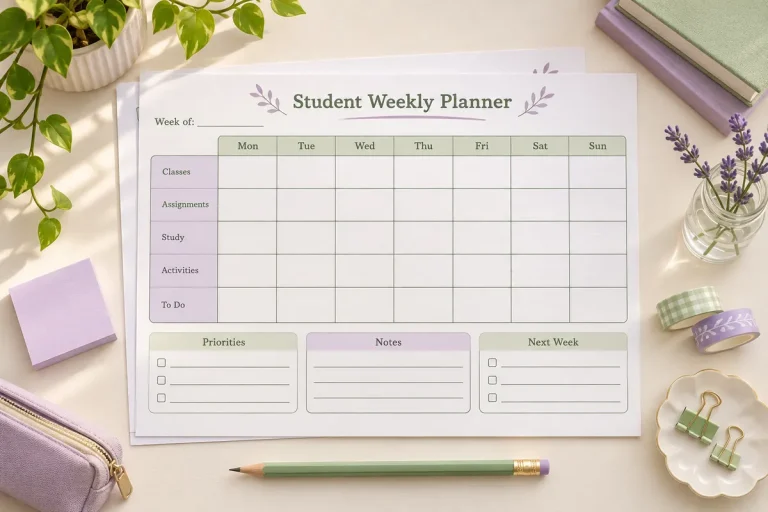
Write the Monday date at the top, then put appointments in the right-hand column and a meaningful priority beside each day. A priority can be a small errand or a decision you want to make. Rest can be the priority if there is already a lot on the schedule. Move anything still relevant to Carry Forward at the bottom. At the next planning session, ask whether a carried task has a genuine next step. Sometimes one phone call is all that was missing from a week of vague reminders.
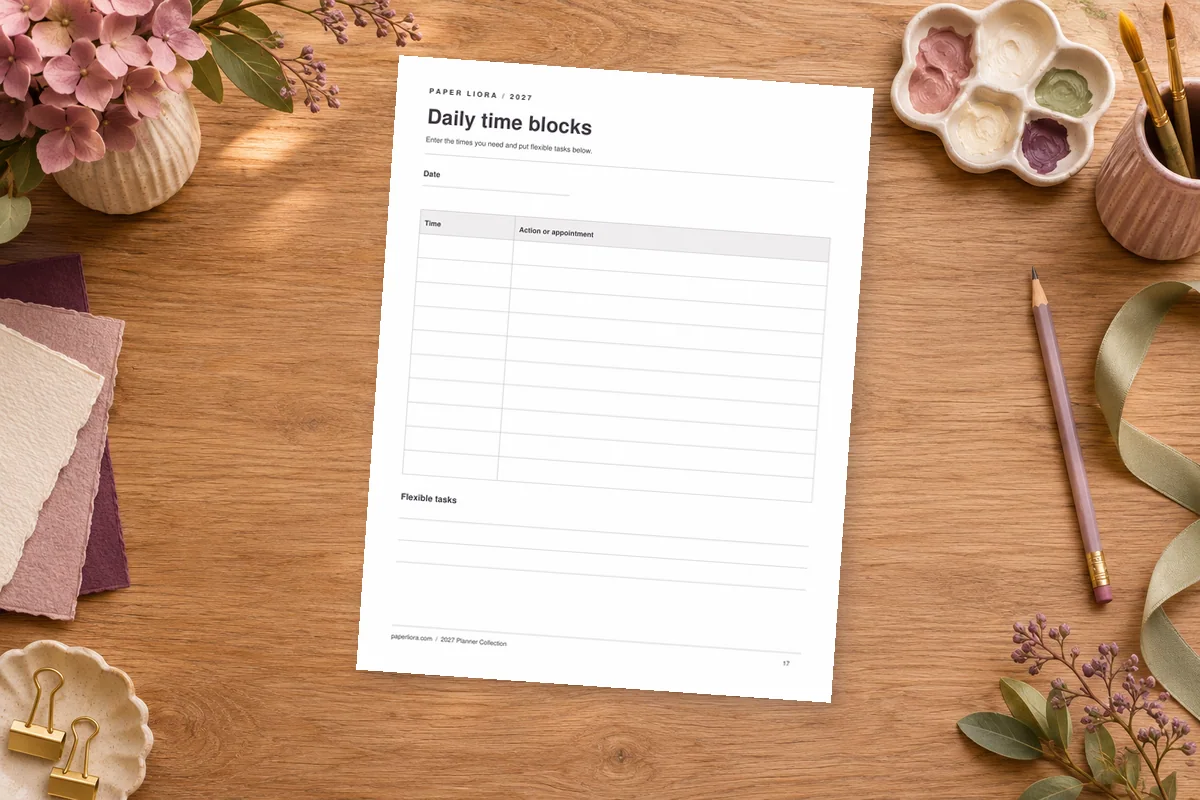
6. Daily time blocks, page 17
Fill the left column with the times you want, whether they’re on the hour or determined by your routine. Put fixed commitments in first. Keep at least one line unassigned if your day often changes. Put errands and other work that can move in the Flexible Tasks area so you don’t crowd the timeline. At the end of your day, add a short note about where the plan ran long. You can use that note to allocate a more realistic block the next time you repeat the task.
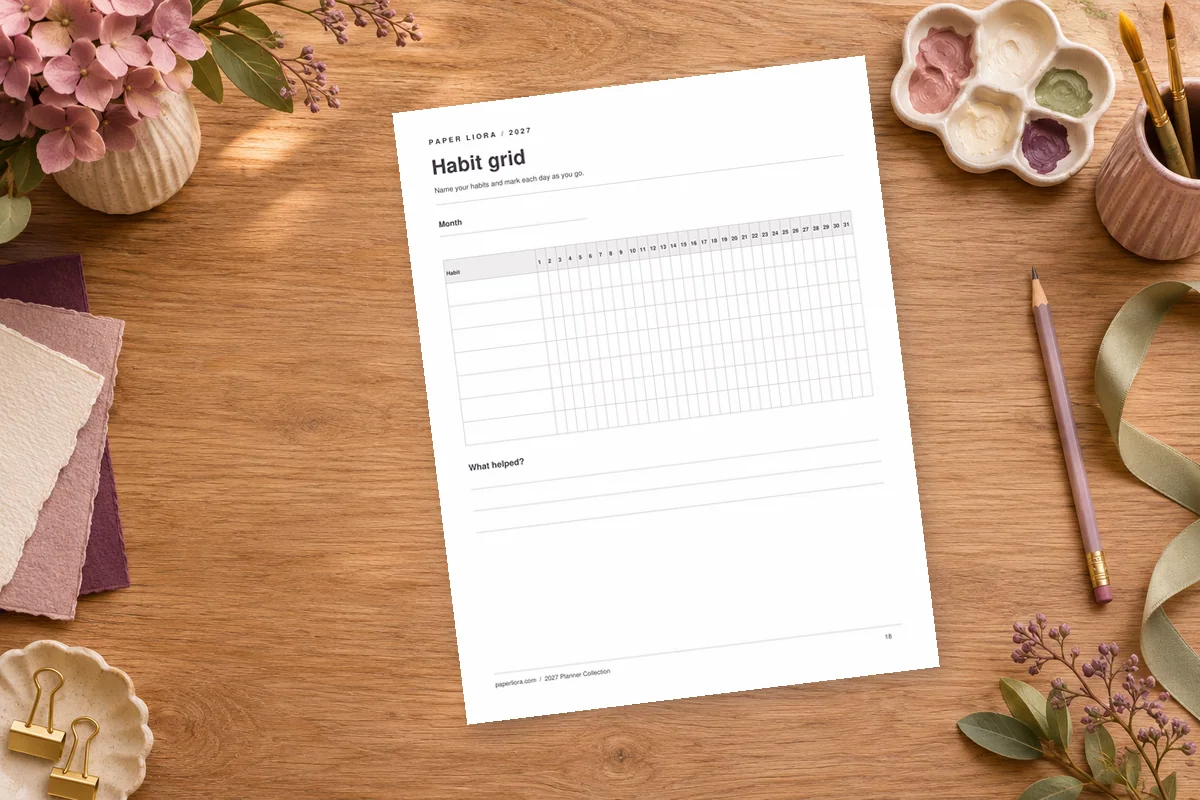
7. Monthly habit grid, page 18
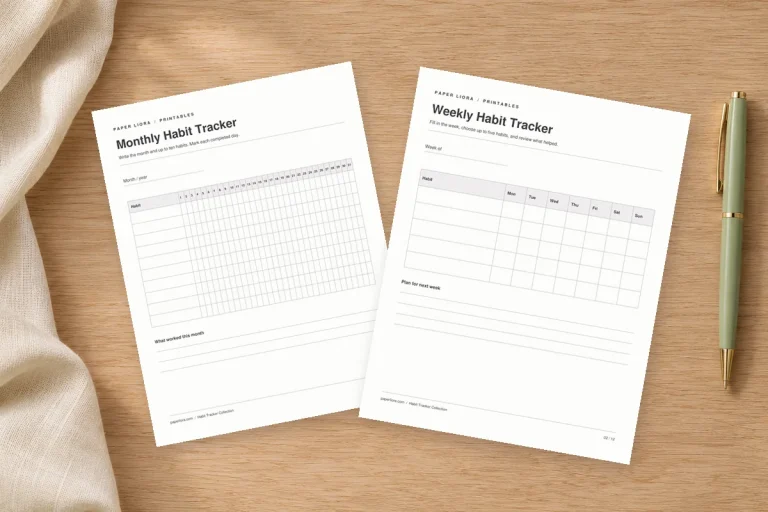
Write a short name in each row and mark day numbers with a dot or check for actions you completed. Put a slash in unscheduled cells if you need to distinguish them from a missed day. For February or other shorter months, shade the days that do not exist. Start with one to three habits, especially if they’re new. Add a note about the most helpful cue, like having your book or water bottle nearby. If you want weekly, floral, or circular options, use the separate printable habit tracker pack.
8. Project checklist, page 19
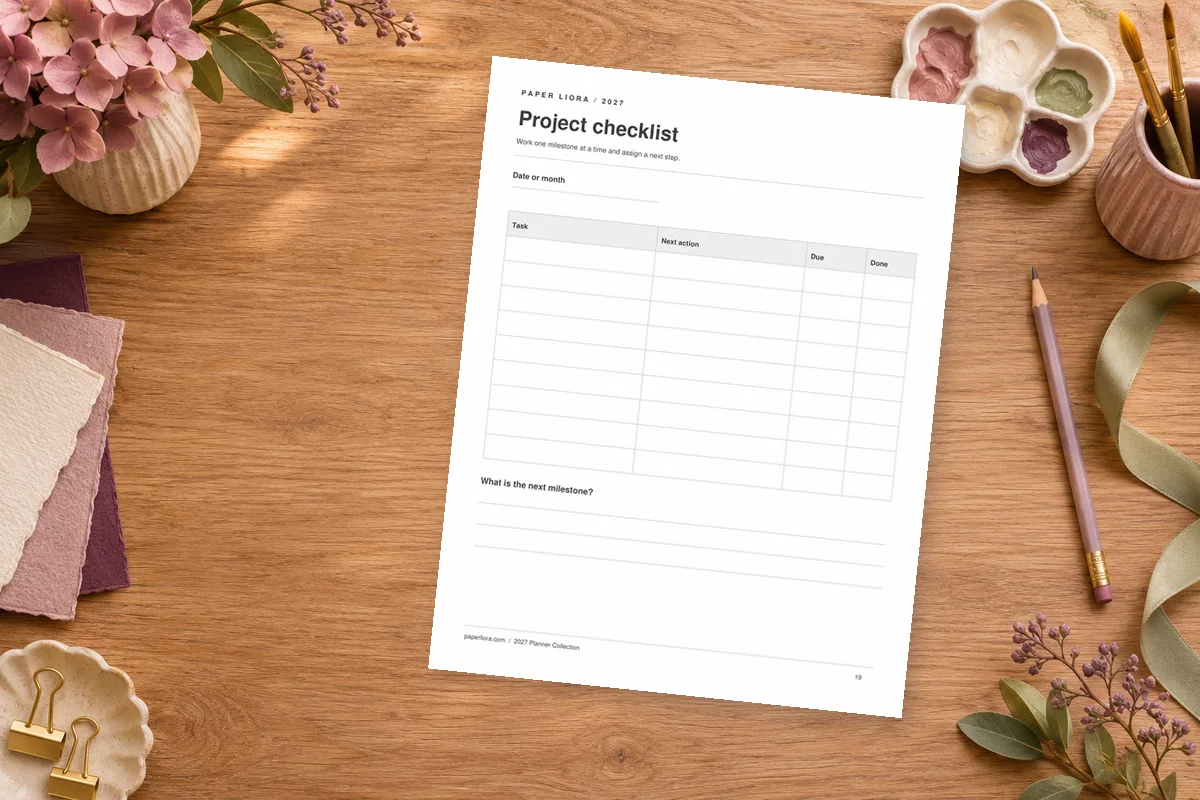
Choose a specific project and name the result at the top. Break it into tasks you can recognize as complete. For a DIY magazine, one row might say “Choose a cover photo,” with “Send three crops to my friend” in Next Action. Write realistic dates in the Due column, checking the calendar as you go. If a milestone requires somebody else’s input, note who you need to ask before you commit to a date. Duplicate this page for another project instead of mixing unrelated tasks into one sheet.
9. Budget worksheet, page 20
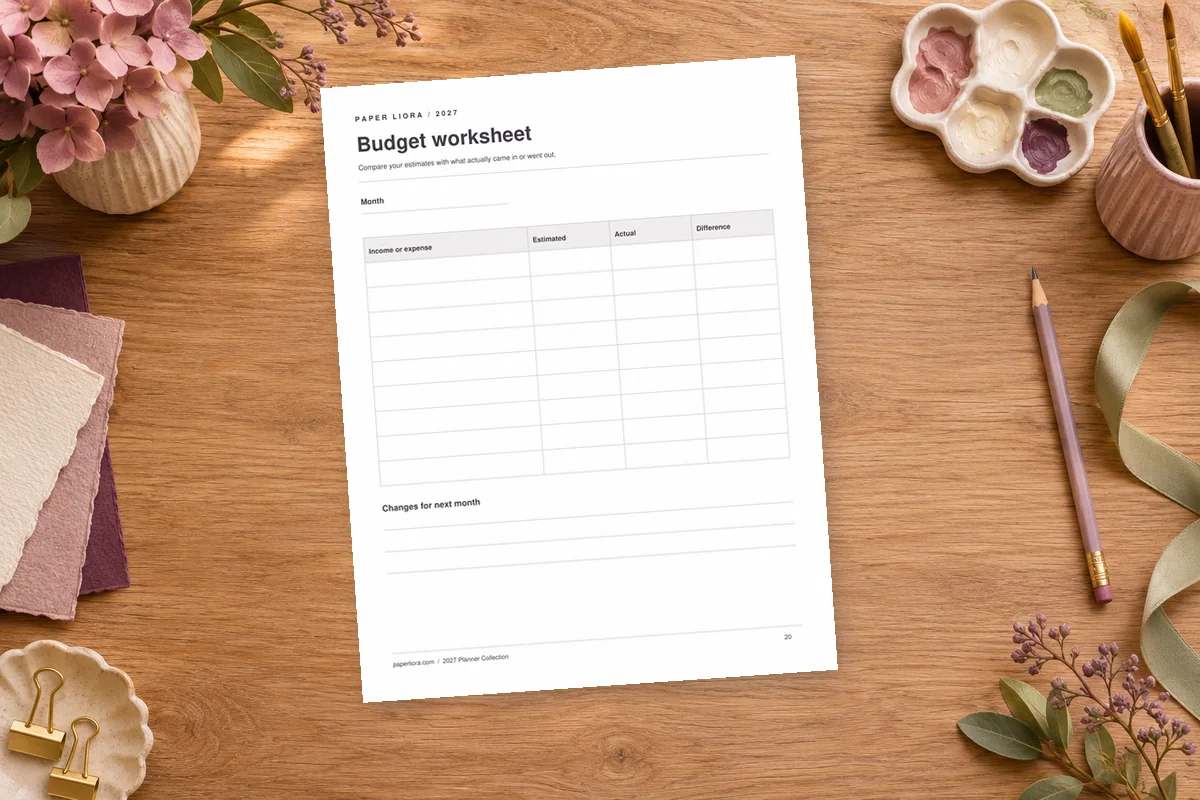
Use the worksheet to record budget categories or line items and compare a plan with actual amounts. Label entries as income or expense before adding totals. Give the Difference column the same rule on every row, such as “actual minus estimated.” A copy of your receipt or bank summary can help you fill in actual numbers, but keep personal identifiers off your printout if you share it. Use the notes area to name corrections or changes you want to make next month. The page is a blank working record and does not calculate figures automatically.
10. Meal planner, page 21
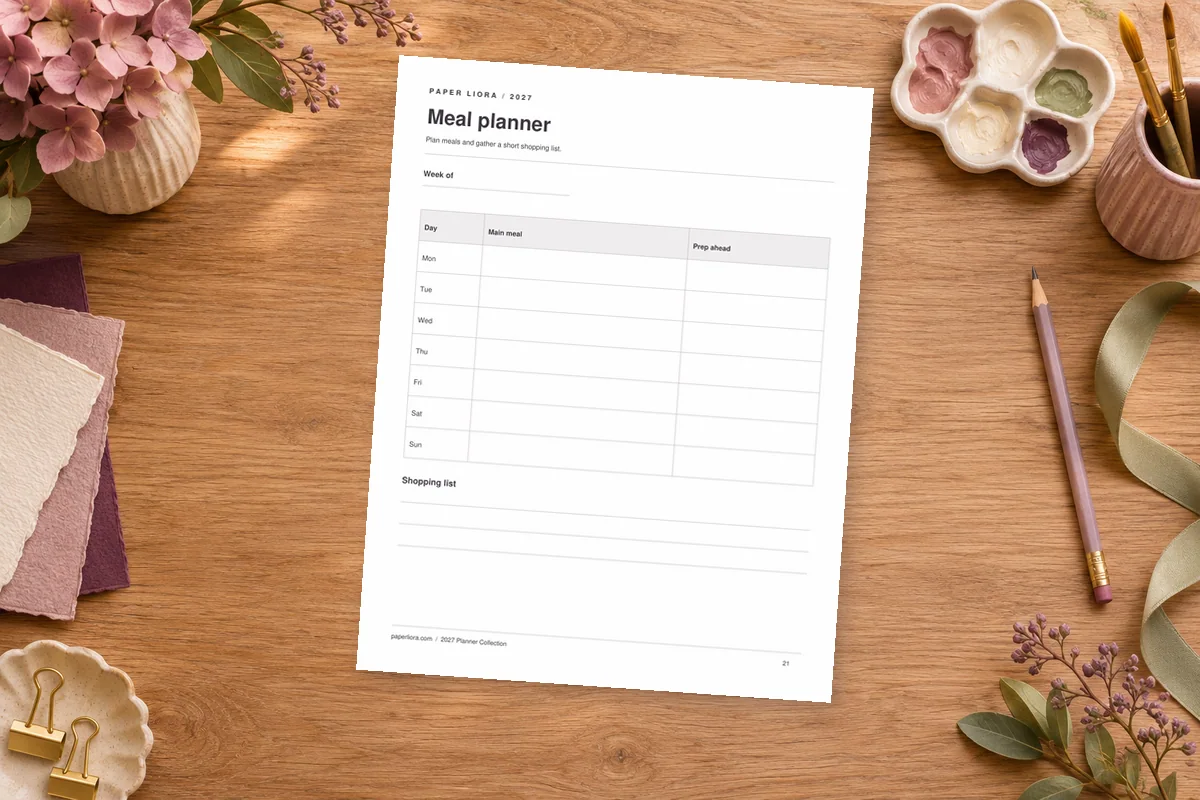
Write one main meal per day and note anything you can prep ahead. Start by looking in your fridge and freezer. Assign the ingredients that need to be used first to early days, and leave one meal flexible if your schedule often shifts. Put groceries in the list beneath the table and check what you already have before shopping. If you are planning for more than one person, write substitutions next to each meal. Cross out meals you ate so it’s easy to move an unmade dinner to another night.
11. Cleaning checklist, page 22
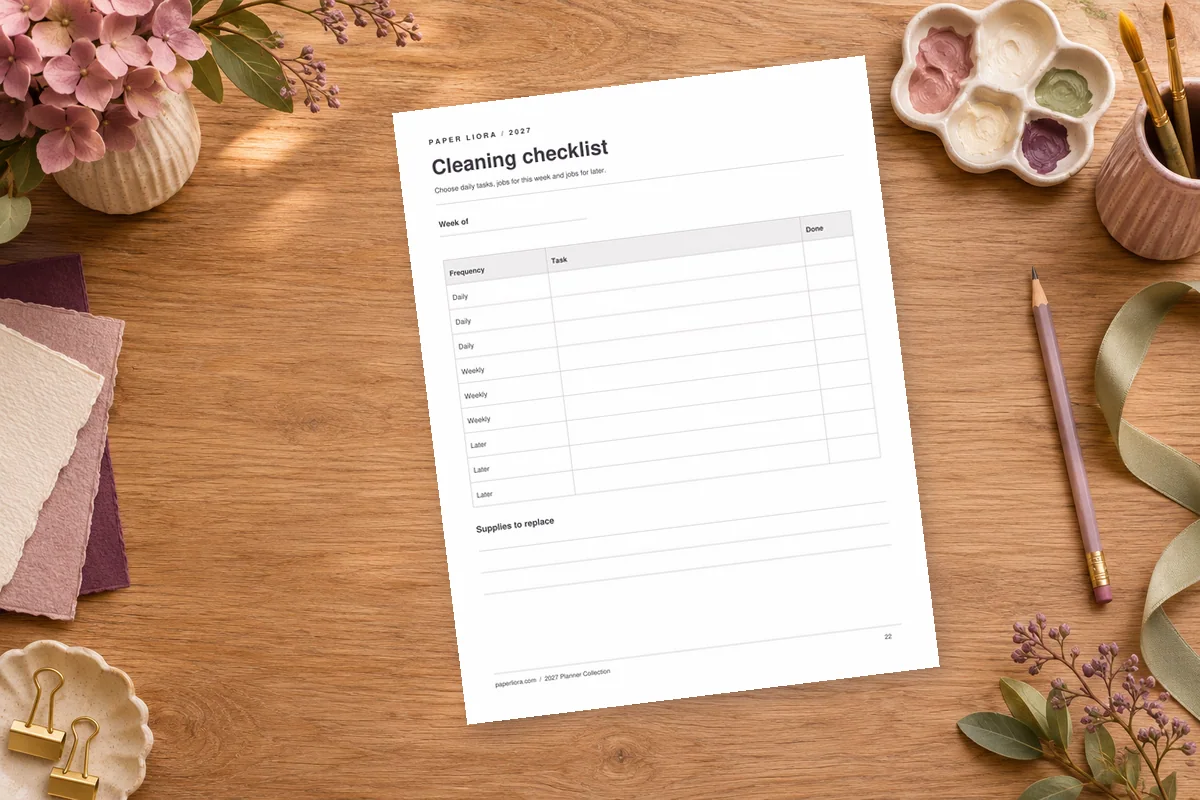
Use the Daily, Weekly, and Later sections to distinguish routine chores from tasks you only tackle when you have extra time. Give each row a task you can finish in one go. Replace “clean the kitchen” with “wipe counters and put away dishes” if the bigger label remains unchecked. Put cleaning products you need to replenish in the notes area. Leave the Later rows for jobs that aren’t due yet. For a shared household sheet, add initials beside the task so everyone can tell who is handling it.
12. Reading log, page 23
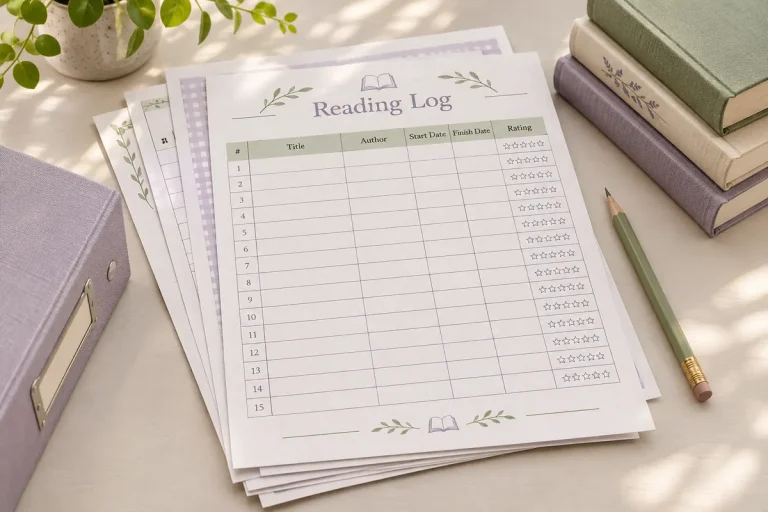
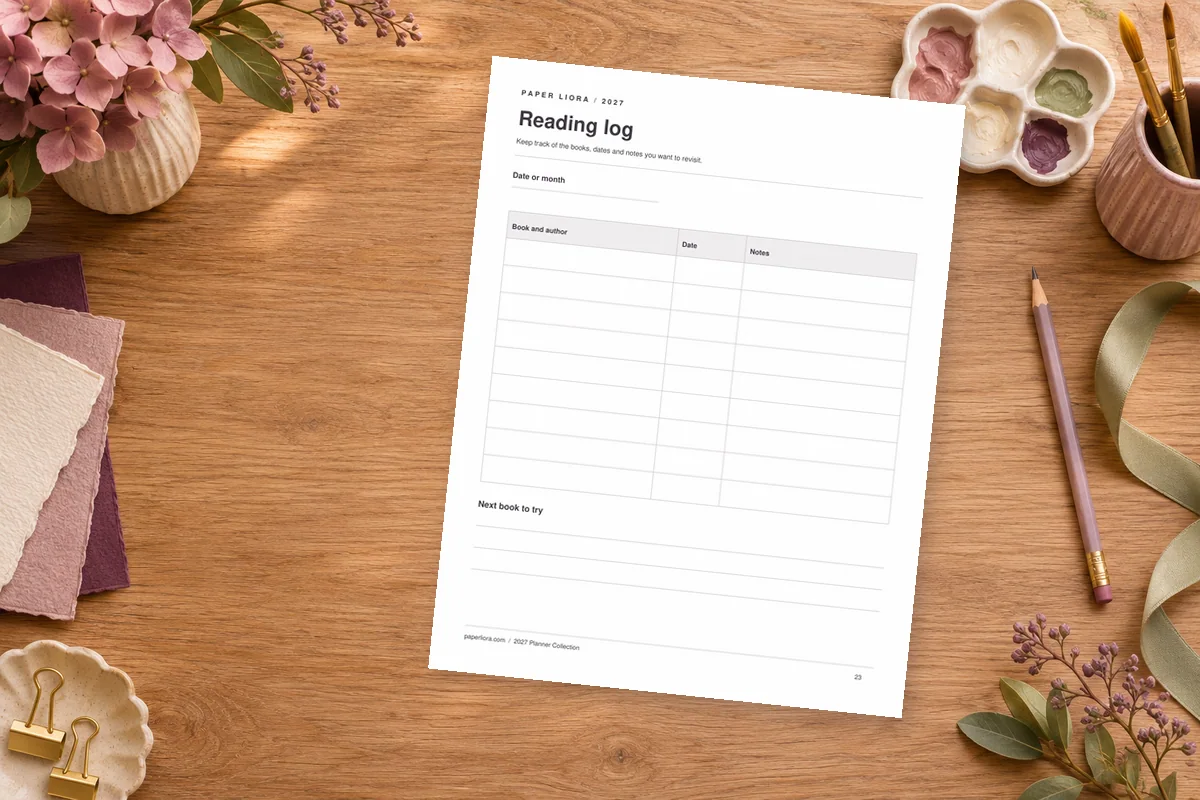
Record a book and author, the date that matters to you, and a short note. You can use the date you finished or the day you discussed it at book club. Label your choice at the top. Try a one-line reaction with enough detail to remember why you would recommend it, like “short chapters, rainy coastal setting.” Leave room below for a title you want to read next. Pair the printable with the beginner reading journal layouts if you want longer reviews or quote pages.
13. Appointment and date list, page 24
Write the date, time, place, and any essential preparation in one row. Use the notes at the bottom for details that apply to several dates, such as a reminder to bring a form. This sheet is useful if monthly cells are too small or you need to share just the schedule with someone else. Keep the title or appointment reason general on shared copies. Confirm travel time separately so the first start time you see is not confused with the time you need to leave home.
14. Notes and ideas, page 25
Use lined space for a quick meeting recap, ideas list, or rough plan for a busy stretch. Add the date and write headings in the margin when ideas turn into tasks. At the end of the page, mark one thing you want to do first. Put actions on your weekly or project sheet after you review the notes. Try leaving one blank line between ideas so you can add a follow-up without rewriting the page.
15. Monthly review, page 26
Give yourself five minutes to answer the three parts: what worked, what changed, and what you’ll try next. A useful observation might be “I used the weekly plan every Sunday but never opened the full dashboard.” Choose a concrete adjustment, such as moving important dates to the calendar or carrying fewer tasks forward. Date the review and file it behind the finished month. If you like reflecting without writing much, answer each prompt in a single sentence.
Match a small starter bundle to your routine
For school or coursework, begin with the dated month, weekly plan, and project checklist. Add every deadline to the calendar first. Use the project checklist for steps that span multiple weeks, and use the weekly plan to schedule this week’s reading or practice. The appointment list can hold office hours or meeting details without crowding the monthly squares.
For a household binder, try a week of meals and one cleaning checklist beside the calendar. Put substitutions and items to buy on the meal page. Keep the monthly budget sheet somewhere private if the binder otherwise stays open in a shared room. Use one dated review page to record whether you need all three sheets next month or just the ones that saved you time.
For a creative side project, use the quarterly goals sheet to name one result, then write the first action on the project checklist. A reading log, note page, or separate daily block can help after you start. Look over your pages before printing the next week. A useful sheet should tell you what to do, help you remember what happened, or keep an important detail where you can find it.
Print the right size and pages
Choose US Letter for 8.5 × 11-inch paper or A4 for 210 × 297 millimeters. Open the matching PDF, choose portrait orientation, and select only the pages you want. For example, print pages 1–2 for an annual overview and January, then add page 16 for the weekly planner. In Acrobat’s print settings, Actual Size prints without scaling. Check the preview for cutoffs. If your usable area is smaller than the layout, use Fit and check again. Start with a one-page grayscale test.
Test holes and edges before printing a stack for a binder. If the hole punch touches a grid line, use a different binding method or use a small reduction and check how it affects the writing space. You can reuse the undated layouts for other years. Keep the dated pages separate so the printed calendar always uses the correct year.
Build a simple January starter set
Print page 1, January on page 2, and a copy of page 16. Add one worksheet for a goal you genuinely want to track. Put fixed dates on the calendar, then choose actions for the current week. At the end of January, use page 26 to decide what to print for February. A printable planner works well when each detail has an obvious home and you can find the page you need quickly.
Put the pages in an order that matches how you plan
Use the annual overview for decisions that affect several months. For instance, if you are arranging a trip in June, circle the trip dates and then mark an earlier month for booking. Put details like travel times and order numbers in the appointment list or a private document. You only need the calendar to tell you when something happens. Use the weekly plan to choose which part of the preparation fits this week.
For an ordinary week, print the weekly plan and one supporting sheet. If you spend more time thinking about meals than appointments, add the meal planner. If a project is about to reach its deadline, add the checklist instead. Turn the two sheets into facing pages or clip them together at the top. Keeping them together makes it easier to see what can fit on the days that are already busy.
A worked example for planning a craft project
Put the gift date on the dated monthly calendar. Write the main outcome on the dashboard, perhaps “finish a printed birthday magazine by the 24th.” On the project page, list discrete work such as collecting stories, choosing photos, and printing a proof. Use the weekly plan to put one task on each of your free evenings. If a deadline moves, update the calendar first and then adjust only the actions it changes.
After the gift is delivered, use the monthly review to record anything you would repeat. It might be “collect photos before choosing the layout” or “leave three days for proofing.” Save that note beside the project plan. Once you have an example that worked, you can use an undated checklist for a similar project without trying to rebuild the same planning system from scratch.
Keep clean print masters and lightly used copies
Make a folder for the matching paper-size file and leave the PDFs intact. Print a fresh dated sheet when the month changes. For temporary planning, slide a weekly page into a clear sleeve and erase it only after transferring tasks that still matter. For notes that go into a permanent record, use plain paper so the writing is easy to file and read later. Put leftover undated sheets at the back of your folder for the next month, instead of printing another copy because you cannot find the first one.
Frequently asked questions
Are the monthly calendars dated for 2027?
Yes. There’s one page for each month of 2027, plus a small annual overview. January 1, 2027 falls on a Friday. Each calendar uses a Monday-first week.
Can I print only one page from the pack?
Yes. Enter the page number or range in the print dialog and inspect the preview. Both paper-size PDFs use the same page numbers.
Can I type directly in the planner PDF?
The files are designed for handwriting and printing. A PDF viewer with annotation tools may let you add text, but the files do not contain built-in fillable fields.
How should I organize the pack?
Place the month’s dated calendar in front and follow it with just the weekly or daily pages you want. Put undated reference pages such as Reading Log or Projects behind a separate divider. If a page goes unused for several weeks, print fewer copies next month.